Our Affordable Price
Get top-notch laptop repair services at pocket-friendly prices.






Your one‑stop partner for expert laptop service across all major brands.

Skilled, certified technicians delivering trusted laptop repairs with precision.

Safe, reliable laptop repairs—with genuine parts and secure handling guaranteed.
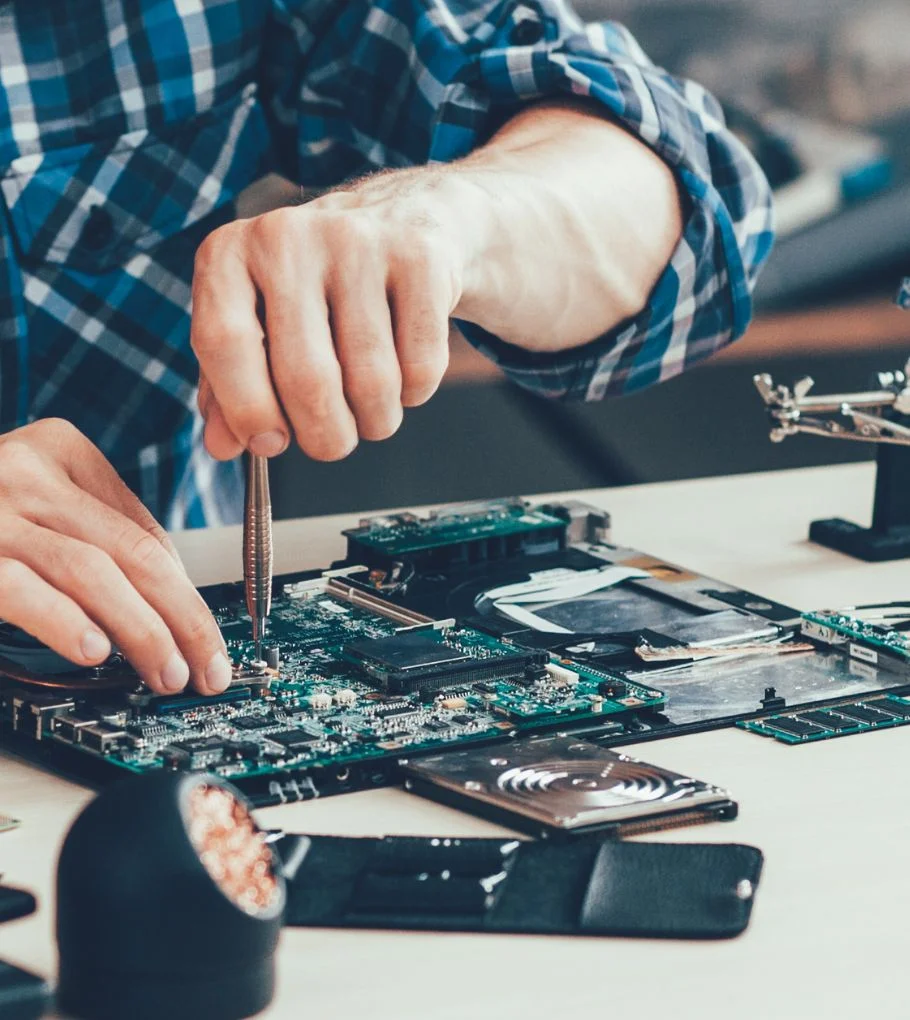
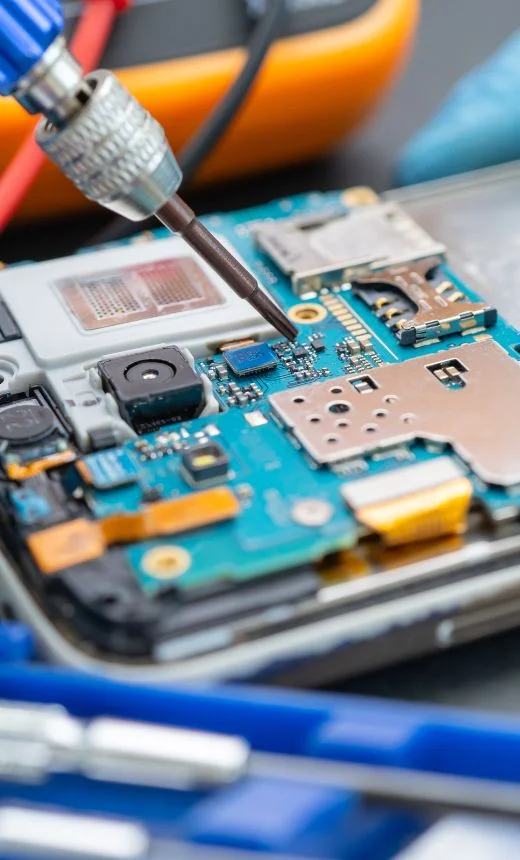

We offer reliable and high-quality repair services for laptops of all major brands. Backed by expert technicians and genuine parts, your device is in safe hands.

Get top-notch laptop repair services at pocket-friendly prices.

Count on us for reliable, transparent, and professional laptop repairs.
Welcome to Skypro Technologies, Trichy’s most reliable destination for professional, certified laptop repair and maintenance. Whether it’s a hardware issue or software glitch, our expert team is ready to restore your laptop to peak performance — quickly, safely, and professionally.

Genuine displays for Lenovo, Wipro, HP, Dell, Asus, and Acer models.

Solutions for battery drain, charging failures, and overheating.

Resolving issues from power IC failure to GPU problems and restore peak performance.
Fixing water-damage, broken keys, and unresponsive touchpads.

Securely recover lost data and safeguard your files with our reliable backup solutions.

Installation of licensed Windows, Linux, antivirus, MS Office, and drivers.
We combine technical expertise with genuine customer care to deliver top-quality laptop repair services. With trusted professionals, transparent pricing, and timely support, your satisfaction is our priority.

Trusted authorized service partner for all major laptop brands, ensuring quality and compliance.
Clear, upfront pricing you can trust—no surprises, no hidden charges.

It is a long established fact that a reader will distracted the readable content page when looking its layout.

We use only genuine spare parts, backed by warranty for your complete peace of mind.
Convenient doorstep pickup and drop for your laptop repairs, anywhere in Trichy.
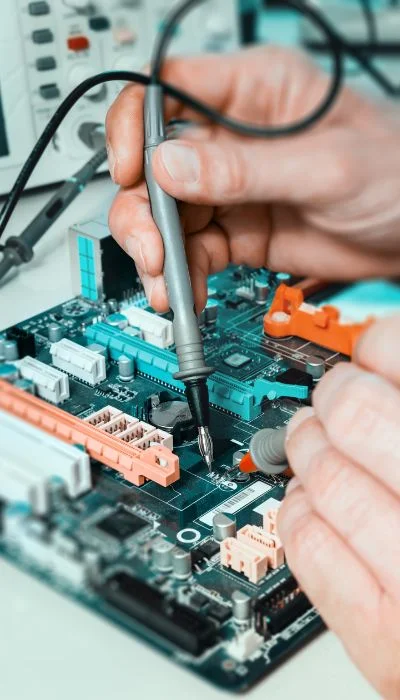
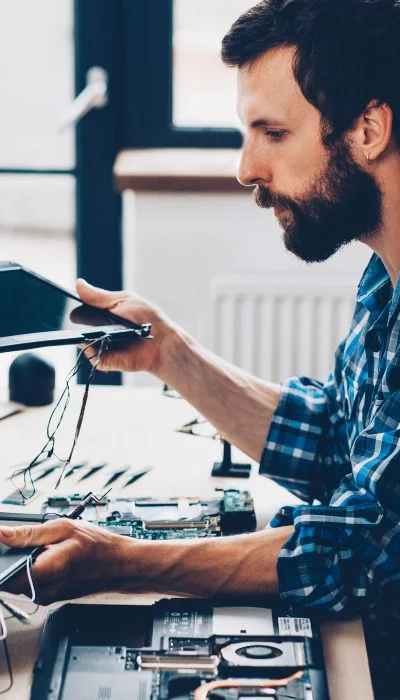
Skypro offers Annual Maintenance Contracts (AMC) for Schools, Hospitals, IT companies, and Public Sector Offices in Trichy. Keep your laptop infrastructure running smoothly with expert on-call support and preventive maintenance.
Contact us for customized AMC plans tailored to your organization’s needs.



Quick and professional service. They replaced my HP screen and it’s working like new


Highly recommended for Lenovo motherboard repair. Very reliable technicians.
Skypro upgraded my Dell with an SSD. Now it runs faster than ever. Excellent support."
Asset care provides complete lifecycle management for your IT assets, ensuring they are tracked, maintained, and optimized for peak performance. We help you reduce costs, improve efficiency, and safeguard your technology investments.
Do not place heavy objects on your computer.
Do not spill or allow liquids into your computer.
Do not place your computer in a tightly packed suitcase or bag. The compression might cause internal damage.
Do not disassemble your computer. Only an authorized technician should disassemble and repair your computer.
Do not scratch, twist, hit or push the surface of your computer display.
Do not place any object between display and keyboard which closing the laptop.
Do not pick or hold - when picking you open laptop - hold it by the bottom base of your laptop.
Do not turn your computer over while the AC adapter is plugged in. This could break the adapter plug.
Do not store your computer where the temperature is below 5 °C or above 35 °C (41 °F and 95 °F).
Do not place your computer closer than 13cm (5 in.) from any electrical appliance that generates a strong magnetic field, such as a motor, magnet, TV, refrigerator, or large audio speakers.
Do not hard-mount your computer in a vehicle or anywhere that it is subject to string vibration.
Do not touch the lens on the Optical Disk drive tray. You should hold the CD/DVD by the edges and not its surface.
Choose a quality carrying case that will provide excellent protection for your laptop.
Treat your computer like a precision piece of electronic machinery.
Retain and store packing materials safely out of reach of children to prevent the risk of suffocation from plastic bags.
We strongly advises the making of regular backup of any document, data, files and / or software stored on your computer. It is your sole responsibility to back-up the data on your system. We will not be responsible for loss or damage to data arising due to hardware failure of OS crash.
Do create the backup of your factory installed Operating System and drives, which helps to recover your system from operating system crash. Failing to create the recovery discs might lead to paid support in the event of OS failures.